Vercel Plugin now available in VS Code and GitHub Copilot CLI
Quick Answer
The Vercel Plugin is now integrated with VS Code and GitHub Copilot CLI, enhancing Copilot's capabilities with Vercel platform knowledge for Next.js, AI SDK, and Vercel Functions.
Quick Take
Users can easily install the plugin via VS Code Extensions or with a simple CLI command.
Key Points
- Vercel Plugin enhances GitHub Copilot with Vercel platform knowledge.
- Supports Next.js, AI SDK, Vercel Functions, and more.
- Install via VS Code Extensions or run 'npx plugins add vercel/vercel-plugin'.
- Keeps Copilot updated with the latest Vercel APIs and patterns.
- Documentation available for detailed installation guidance.
📖 Reader Mode
~1 min readThe Vercel Plugin is now available in VS Code and the GitHub Copilot CLI.
GitHub Copilot now has Vercel platform knowledge on demand, with skills for Next.js, AI SDK, Vercel Functions, and more. The Vercel plugin also helps Copilot stay up to date with the latest Vercel APIs and recommended patterns.
To install it for Copilot Chat, search for @agentPlugins vercel in the Extensions panel in VS Code.
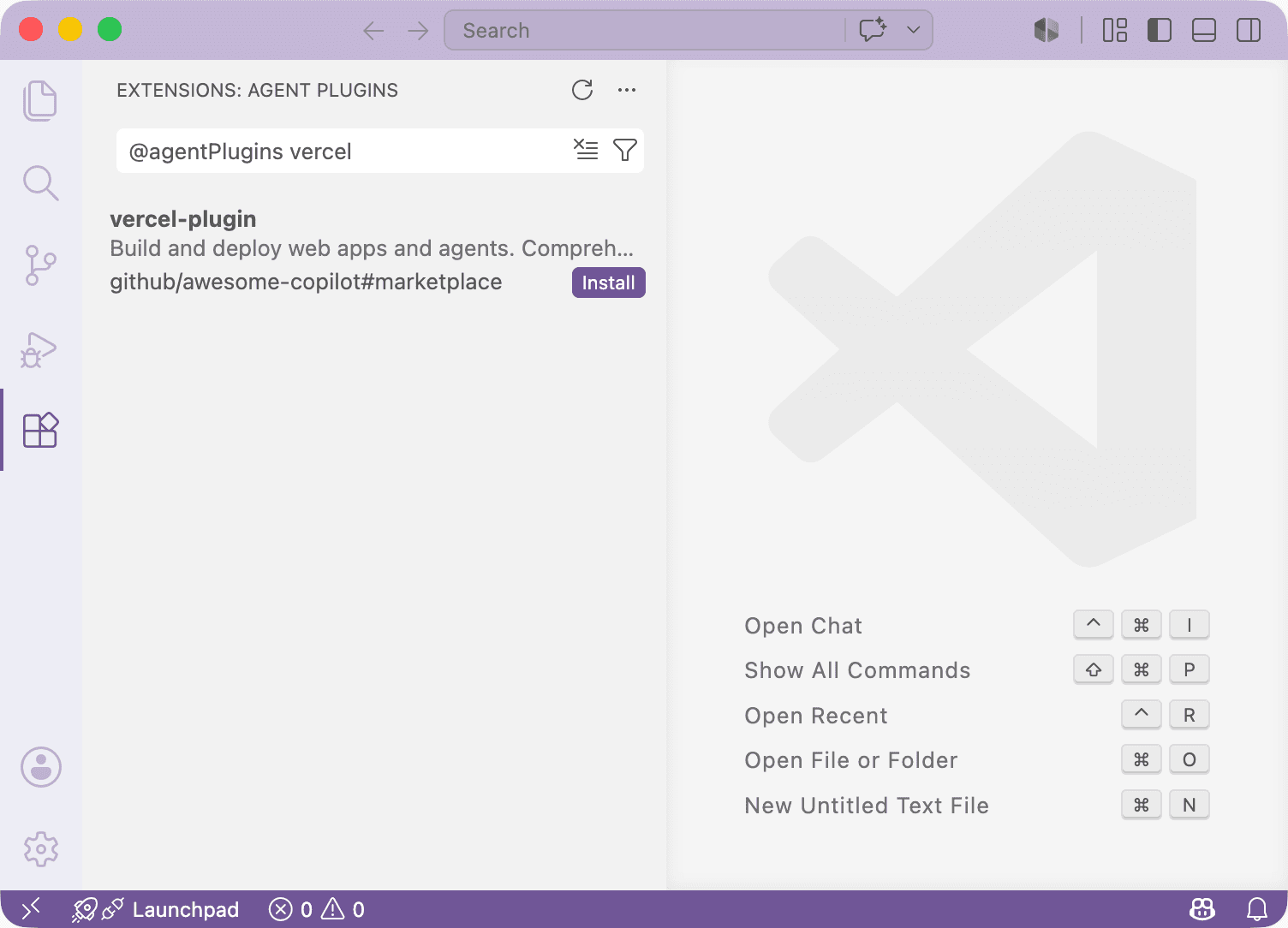
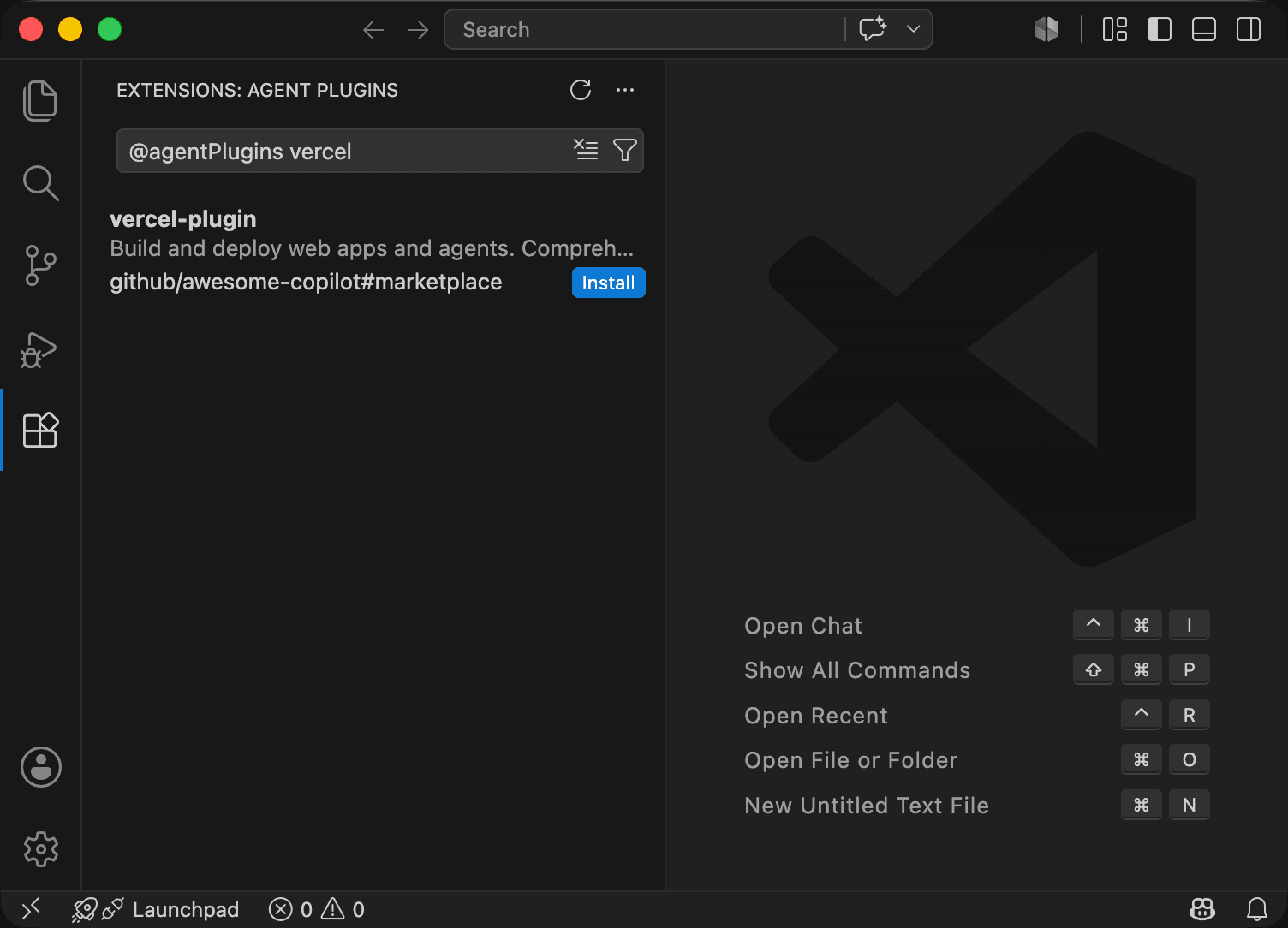
To install it for the GitHub Copilot CLI, run npx plugins add vercel/vercel-plugin.
Learn more in the Vercel Plugin documentation.
— Originally published at vercel.com
Want this in your inbox every morning?
Daily brief at your local 8am — bilingual EN/中文, free.
More from Vercel AI
See more →
The Agent Stack
The Agent Stack by Vercel AI provides essential building blocks for creating production-grade agents, enabling seamless integration across multiple AI models and secure operations. It features components like AI Gateway for model routing, Workflow SDK for durable execution, and Vercel Connect for scoped access, streamlining agent development and deployment across various platforms.