AI Gateway now supports team and project spend budgets
Quick Answer
Vercel AI Gateway now allows budget management at team and project levels, in addition to individual API keys.
Quick Take
Users can set spend limits, track usage, and receive alerts when nearing budget thresholds, ensuring better financial control over API requests.
Key Points
- Budgets can be set for teams, projects, or individual API keys.
- Requests are rejected if any budget limit is exceeded, regardless of others.
- Email alerts notify users when spending reaches 50%, 75%, or 100% of limits.
- Budgets can be managed via the dashboard or CLI with various refresh periods.
- Default budgets apply to projects or keys without explicit limits.
📖 Reader Mode
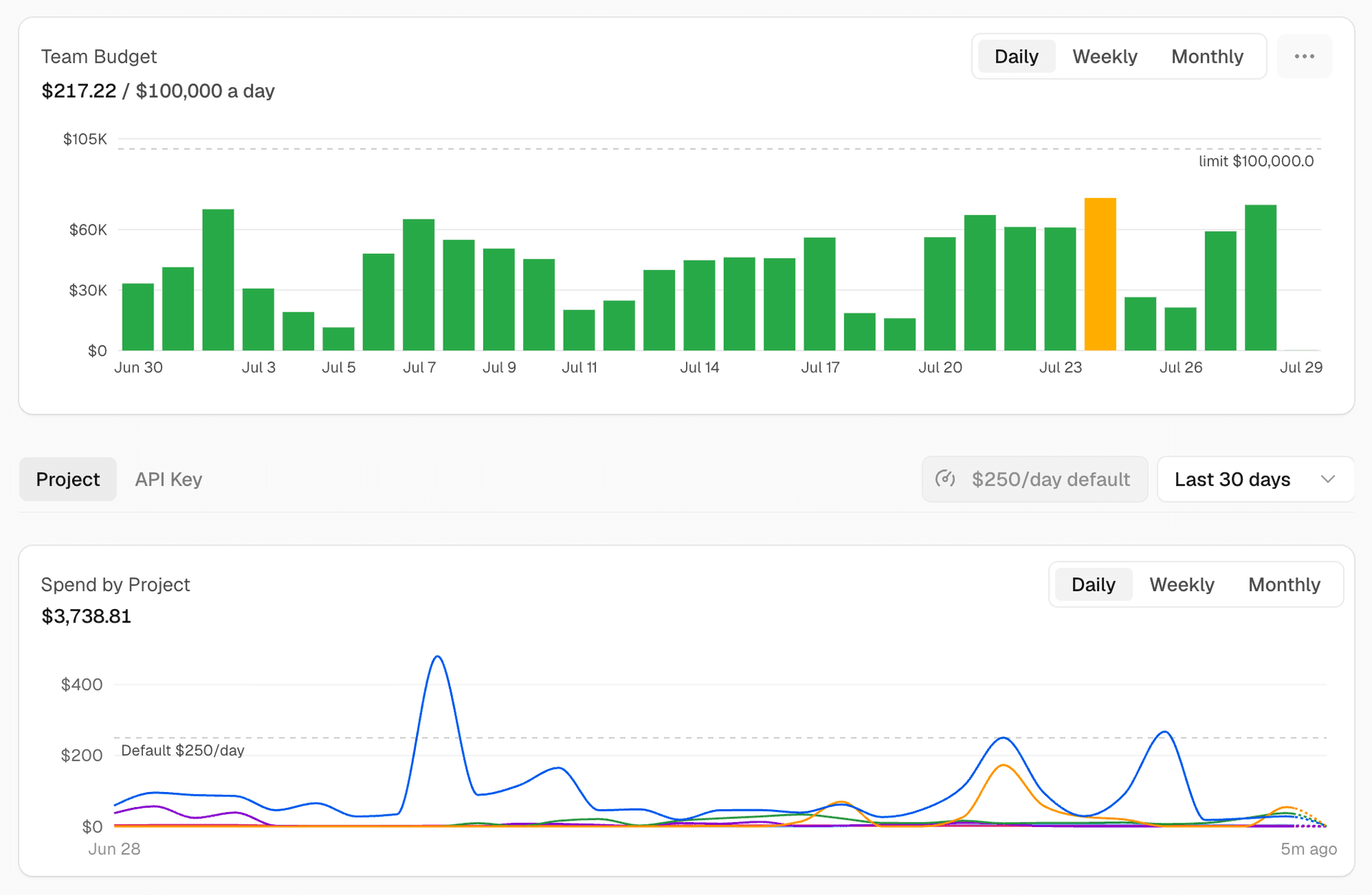
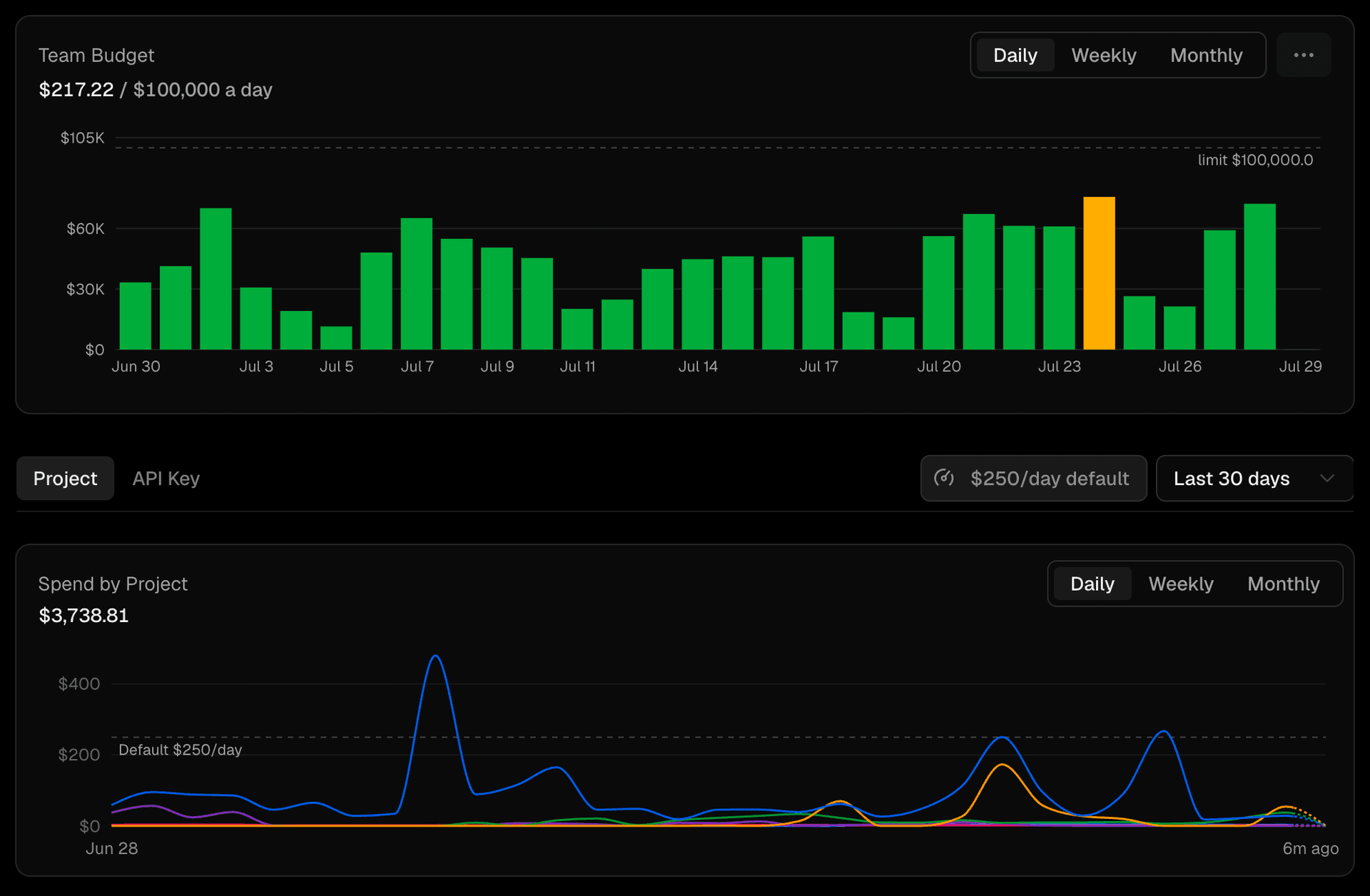
~2 min readAI Gateway spend budgets can now be scoped to a team or a project, in addition to individual API keys. Set a dollar limit on a scope, and the gateway meters spend against it and stops further requests once the limit is reached, until the budget resets or you raise it.
Copy link to headingScopes
A budget attaches to one of three scopes. A request can fall under multiple budgets and has to pass all of them: if any one is over its limit, the request is rejected, even when the others have room left.
Scope | Caps spend for |
|---|---|
Team | Every request your team runs through the gateway |
Project | All requests attributed to a single project |
API key | A single API key |
BYOK spend is not counted against budgets by default.
Copy link to headingManage budgets in the dashboard
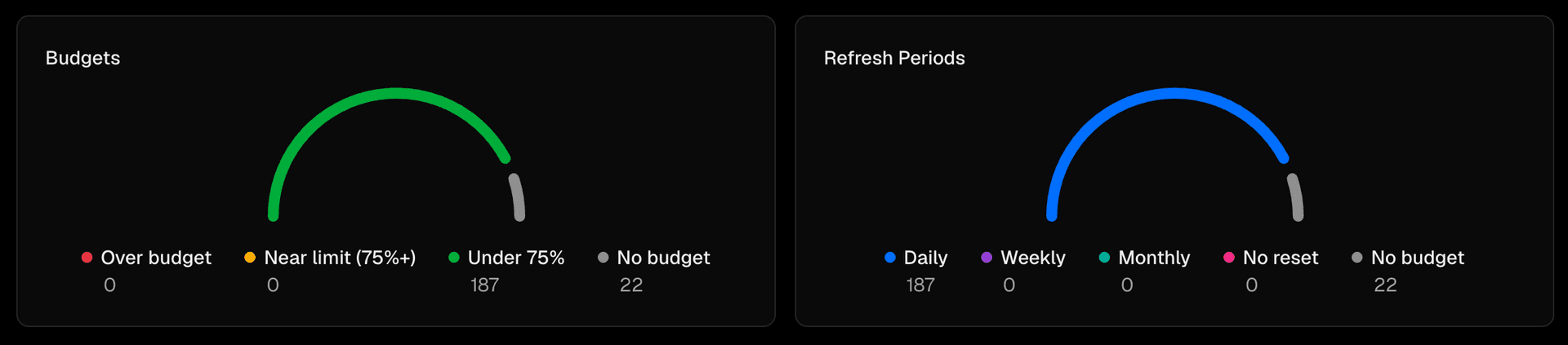
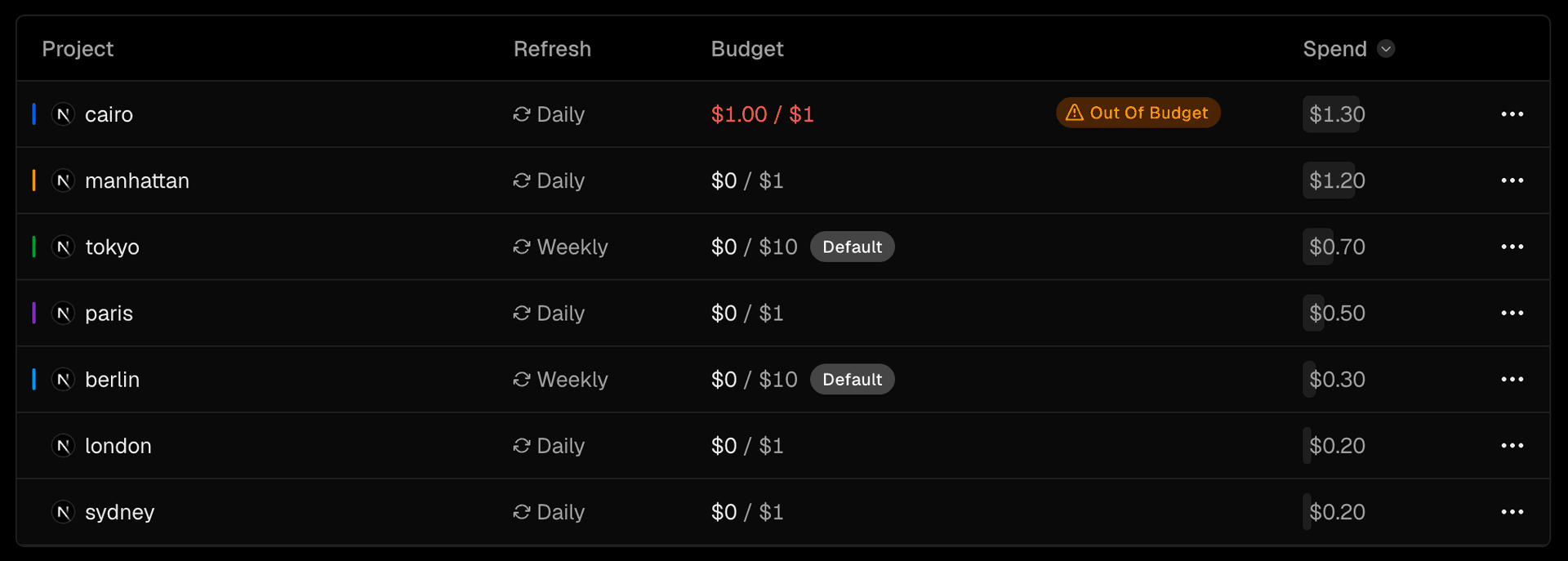
Set and track budgets from the AI Gateway Budgets tab. The Overview breaks spend down across every scope against its limit, so you can see what is near or over before it starts rejecting requests.
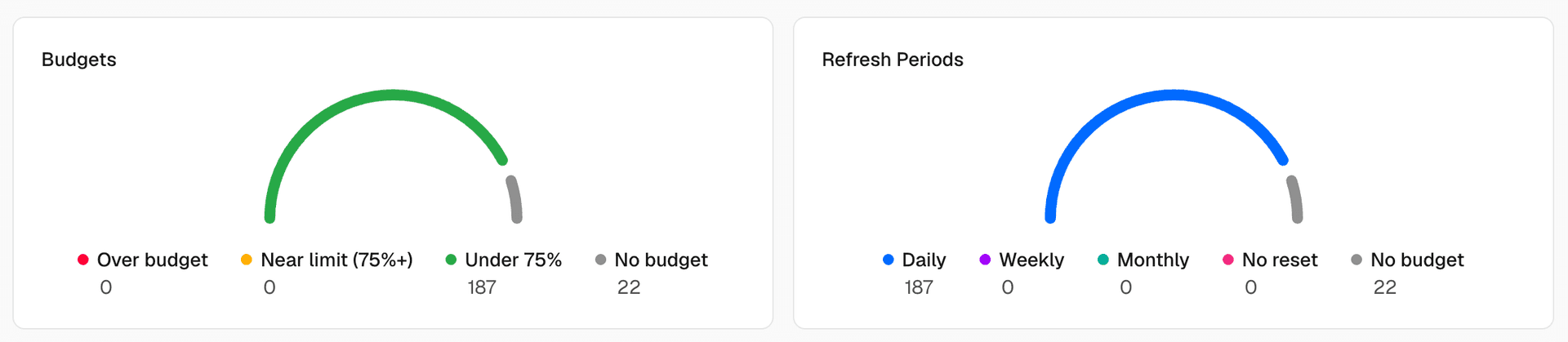
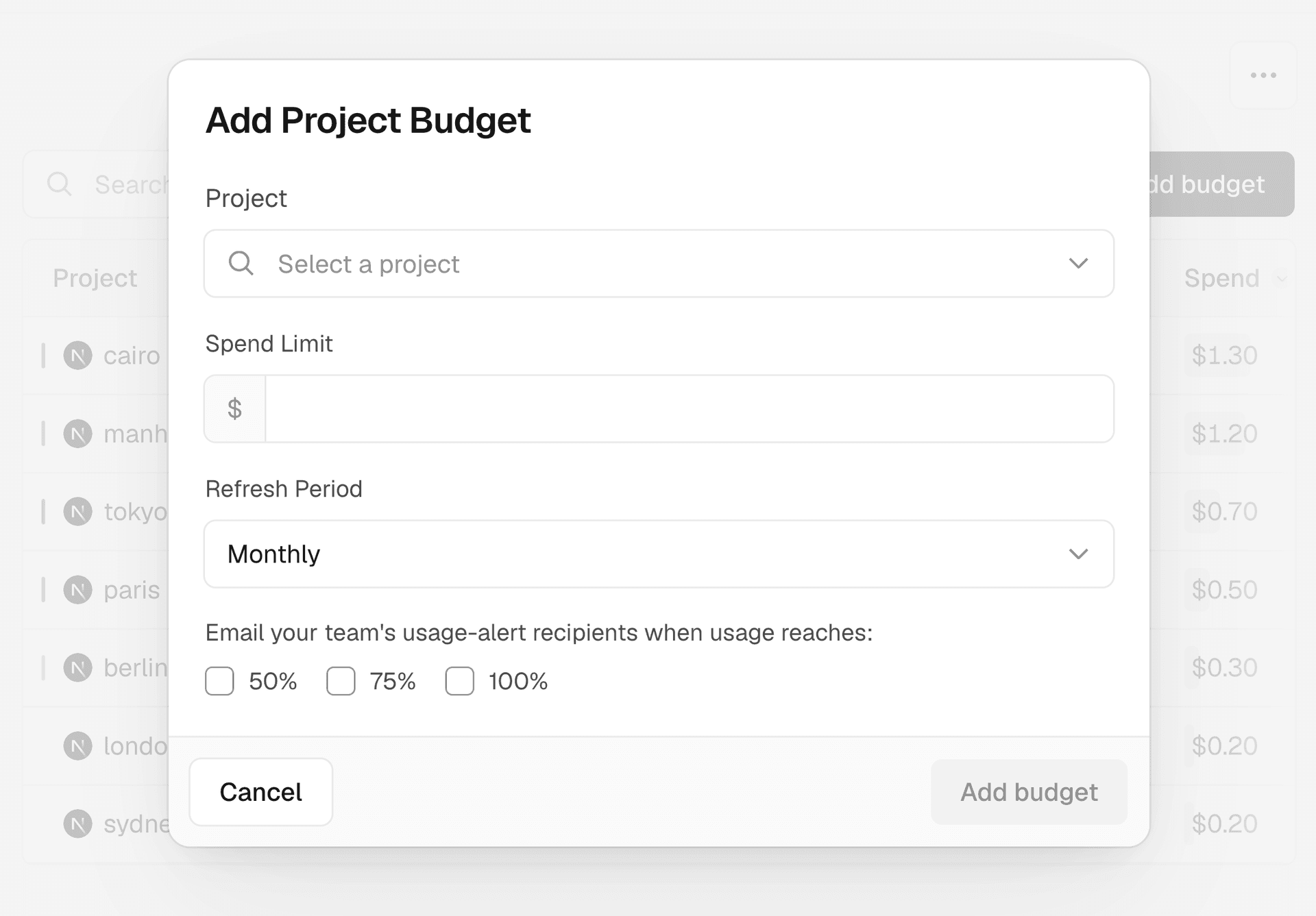
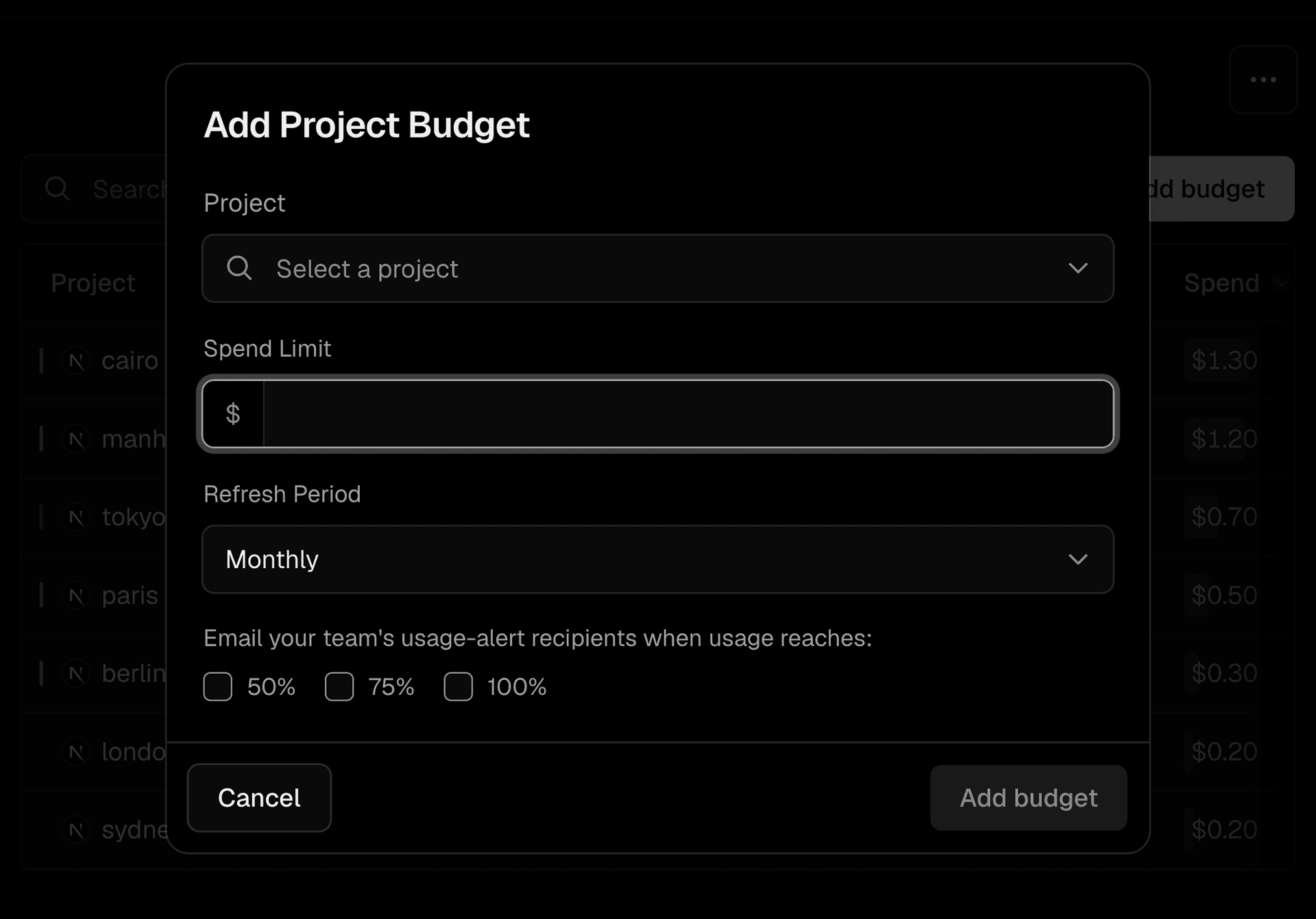
Turn on email spend alerts to notify your team's usage notification recipients when usage crosses 50%, 75%, or 100% of a limit within a refresh period. Alerts are off by default and informational: they never block requests, only the budget limit does.
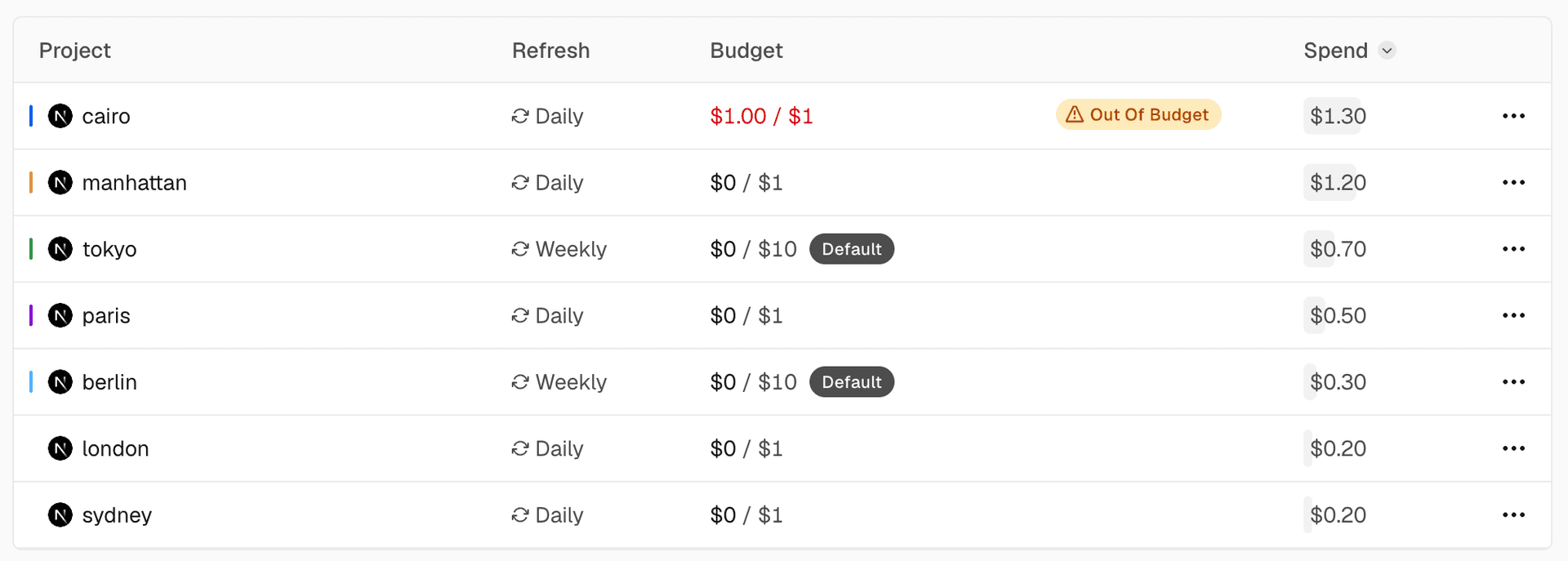
Set a default budget for projects or API keys, and every one without an explicit budget inherits it automatically. An explicit budget always overrides the default.
Copy link to headingManage budgets from the CLI
Set, inspect, and remove team and project budgets from the CLI. The refresh period is daily, weekly, monthly (default), or none for a cumulative cap.
# Set a team budget
vercel ai-gateway budgets set team --limit 500 --refresh-period monthly
# Scope a budget to a single project
vercel ai-gateway budgets set project my-project --limit 200 --refresh-period monthly
# Set a default for projects or keys without their own budget
vercel ai-gateway budgets defaults set project --limit 200 --refresh-period monthly
# List every budget
vercel ai-gateway budgets list
# Remove a budget
vercel ai-gateway budgets remove team
For more information, read the budgets documentation.
— Originally published at vercel.com
Want this in your inbox every morning?
Daily brief at your local 8am — bilingual EN/中文, free.
More from Vercel AI
See more →
The Agent Stack
The Agent Stack by Vercel AI provides essential building blocks for creating production-grade agents, enabling seamless integration across multiple AI models and secure operations. It features components like AI Gateway for model routing, Workflow SDK for durable execution, and Vercel Connect for scoped access, streamlining agent development and deployment across various platforms.