Budgets for API keys on AI Gateway
Quick Answer
Vercel AI introduces budget caps for API keys on its AI Gateway, allowing users to set spending limits that prevent unexpected costs.
Quick Take
This feature helps teams manage expenses across various AI models and providers, ensuring better governance of AI usage by rejecting requests once the cap is exceeded until the budget resets.
Key Points
- Set spending caps on API keys to control costs effectively.
- Budget limits apply to all AI Gateway providers and models.
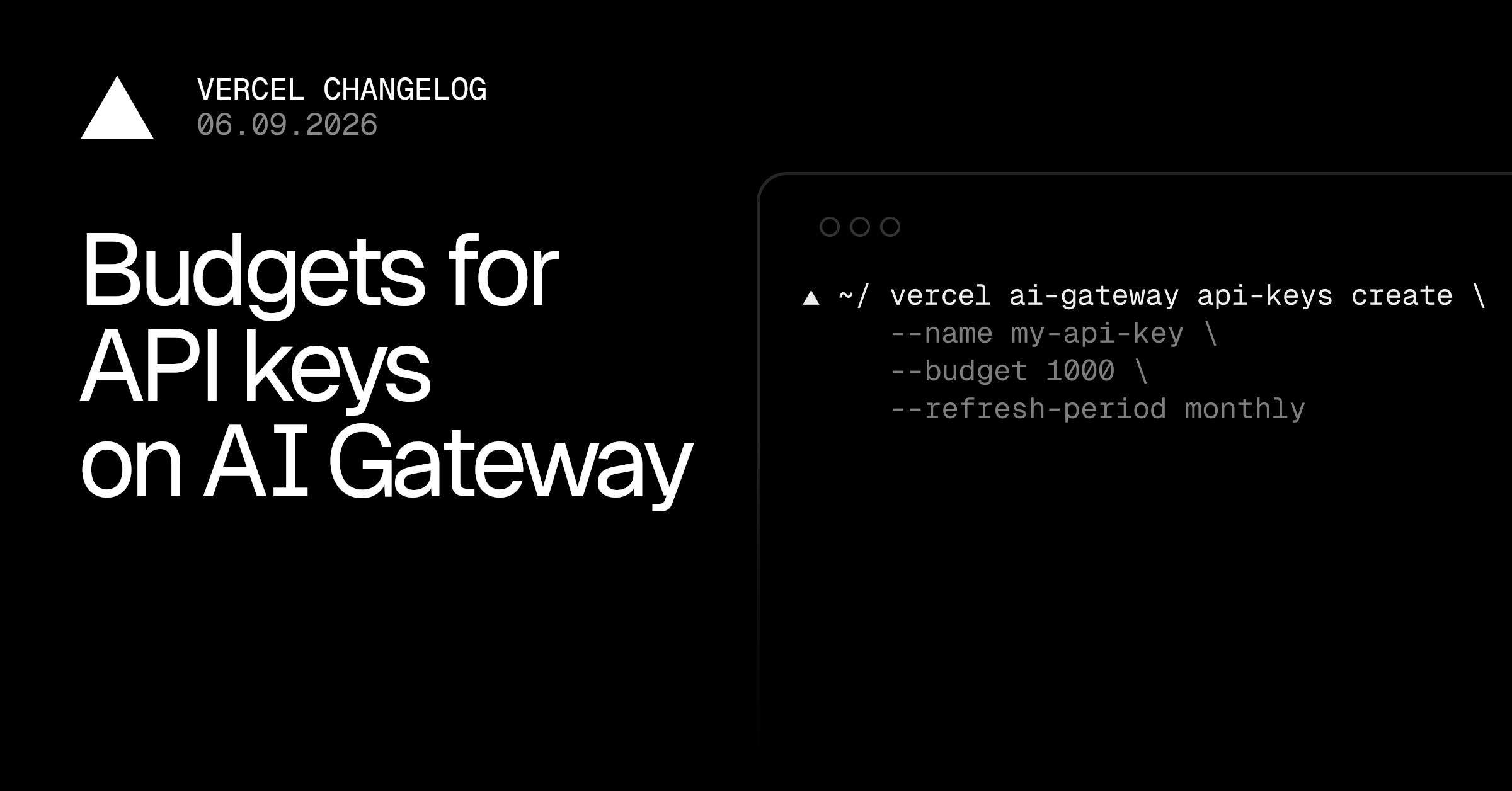
- Users can create and manage budgeted keys via the Vercel CLI.
- Existing keys can be edited to adjust budgets easily.
- This feature is crucial for teams using token-heavy workflows.
Article Content
From source RSS / original summaryAI costs are getting harder to forecast. As teams lean more on coding agents and other token-heavy workflows, a key can burn cost faster than anyone notices:Set a spend cap on any key, and rejects further requests on that key once the limit is exceeded, until the budget resets or you raise it. The cap applies to all AI Gateway providers and models running through the key, making it easier to consolidate and govern AI costs.
AI GatewayOn the, click, enable the option, enter a limit in dollars, and choose a refresh period. AI Gateway API Keys pageCreate KeySpend QuotaYou can also edit existing keys and add, change, or remove budgets by clicking the right hand side... menu and. Edit KeyCreate a budgeted API key programmatically via the Vercel CLI. The format is:Pair a key with an optional refresh period (,,, or ) to scope the limit to a window. Each period resets at the start of its window in UTC.
dailyweeklymonthlynoneKeys created programmatically will also appear in your team, so you can see all keys in one place. AI Gateway API Keys viewRead the for more information about setting and using budgets for API keys.
API keys documentationRead moreAutonomous workflows that can loop or fan out without supervisionDemos and prototypes that could catch unexpected traffic if shared or shippedDevelopers exploring or experimenting without a sense of per-model costAPI key budgets in the Vercel DashboardAPI key budgets in the Vercel CLI
Want this in your inbox every morning?
Daily brief at your local 8am — bilingual EN/中文, free.
More from Vercel AI
See more →
The Agent Stack
The Agent Stack by Vercel AI provides essential building blocks for creating production-grade agents, enabling seamless integration across multiple AI models and secure operations. It features components like AI Gateway for model routing, Workflow SDK for durable execution, and Vercel Connect for scoped access, streamlining agent development and deployment across various platforms.