Service tiers now available on AI Gateway
Quick Answer
Vercel AI's Gateway now offers service tiers for OpenAI and Gemini models, allowing users to optimize for latency, throughput, and cost.
Quick Take
Users can choose from standard, priority, or flex tiers, with billing adjusted based on the tier used for each request.
Key Points
- Service tiers include standard, priority, and flex options for different workloads.
- Priority tier offers faster processing but at a higher cost.
- Flex tier provides lower costs with potentially higher latency.
- Billing is adjusted based on the actual service tier used for each request.
- Service tiers are applicable across all AI Gateway API formats.
📖 Reader Mode
~2 min readAI Gateway now supports service tiering. Service tiers let you optimize for latency, throughput, and cost per request to match your use case. Pick a faster tier for interactive workloads (less queueing, higher token throughput), or a lower cost tier for background jobs that can tolerate more latency.
At launch, service tiering is available for OpenAI and Gemini models.
Service tiers work across every AI Gateway API format: AI SDK, Chat Completions API, Anthropic Messages API, OpenAI Responses API, and OpenResponses API. AI Gateway adjusts billing based on the tier each request used.
Copy link to headingTiers
default: Standard processingpriority: Faster processing at increased costflex: Lower cost with potentially higher latency
If a service tier is not specified, requests run on the default tier.
Copy link to headingBasic usage
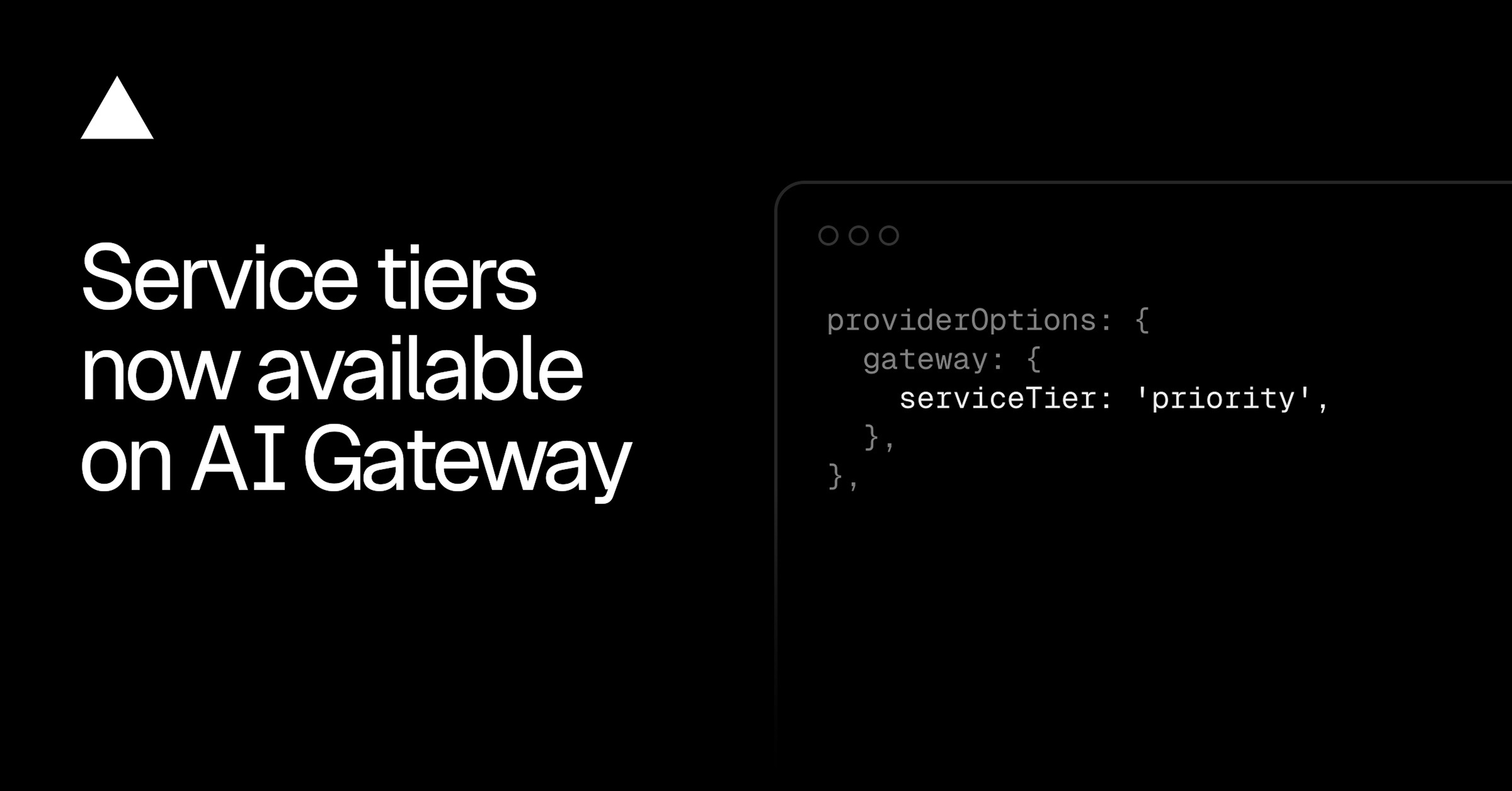
Set serviceTier under providerOptions.gateway. The same option works across all models and providers that support service tiers, so you can swap the model without restructuring provider-specific options:
import { generateText } from 'ai';
const { text, providerMetadata } = await generateText({
model: 'openai/gpt-5.6-sol',
prompt,
providerOptions: {
gateway: {
serviceTier: 'priority',
},
},
});
Example of priority service tier request
The applied tier is returned in the provider metadata so you can confirm which tier served the request. This is useful when a priority request falls back to default capacity, or when comparing observed latency across tiers.
Service tier is serviced on a best-effort basis: if a tier can't be applied, the request runs on the default tier at the default rate, and only an invalid service tier value fails the request.
Copy link to headingPer-provider control
If a model can be served by multiple providers and you only want a service tier on some of them or to configure different service tiers across each, set the tier on the provider's own namespace instead.
import { generateText } from 'ai';
const { text } = await generateText({
model: 'google/gemini-3.6-flash',
prompt,
providerOptions: {
vertex: {
serviceTier: 'priority',
}, // Other providers serving this model fall back to their default tier.
},
});
Example of requesting the priority service tier for Google Vertex
Copy link to headingPricing
AI Gateway applies per-tier rates automatically based on the tier each request actually used. If a priority request gets downgraded to default capacity, billing reflects the default rate, not the priority rate.
More details about providers and tiering are in the service tiers reference.
— Originally published at vercel.com
Want this in your inbox every morning?
Daily brief at your local 8am — bilingual EN/中文, free.
More from Vercel AI
See more →
The Agent Stack
The Agent Stack by Vercel AI provides essential building blocks for creating production-grade agents, enabling seamless integration across multiple AI models and secure operations. It features components like AI Gateway for model routing, Workflow SDK for durable execution, and Vercel Connect for scoped access, streamlining agent development and deployment across various platforms.