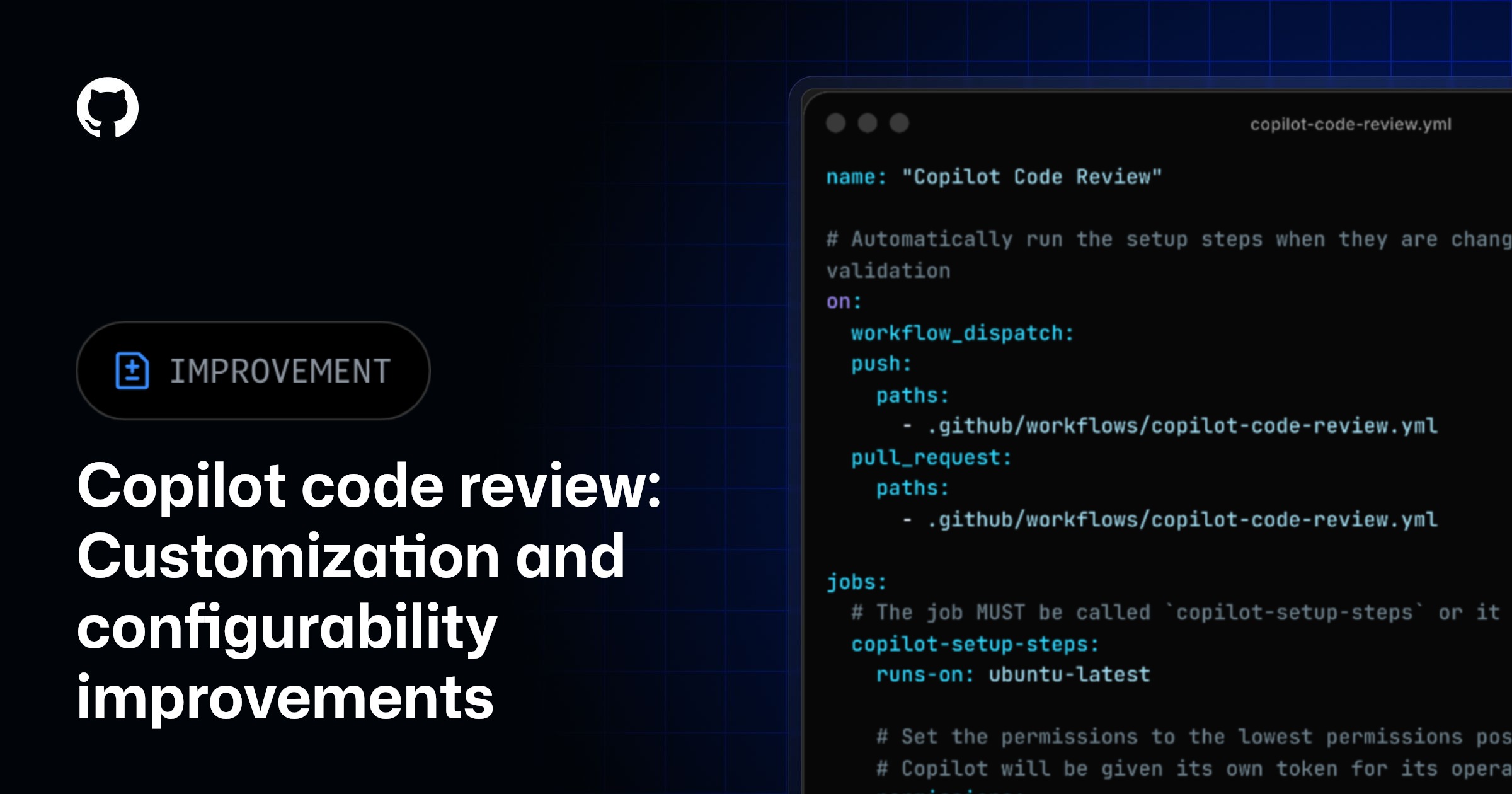
Copilot CLI no longer needs a personal access token in GitHub Actions
Quick Answer
GitHub Copilot CLI can now be executed in GitHub Actions without the need for a personal access token (PAT), utilizing the built-in GITHUB_TOKEN instead.
Quick Take
This change simplifies the authentication process for developers, enhancing security and usability within CI/CD workflows. As a result, users can streamline their automation processes without managing additional credentials.
Key Points
- GitHub Actions now supports Copilot CLI with GITHUB_TOKEN.
- Eliminates the need for personal access tokens in workflows.
- Enhances security by reducing credential management.
- Streamlines automation processes for developers.
- Improves usability in continuous integration and deployment.
📖 Reader Mode
~2 min readYou can now run GitHub Copilot CLI in GitHub Actions using the built-in GITHUB_TOKEN.
This means that you no longer need to create and store a personal access token (PAT), eliminating the operational and security risks of managing long-lived PATs for automations at scale.
When you run Copilot CLI with the Actions token in an organization-owned repository, AI credits consumed by the CLI are billed directly to the organization.
Configuring organization billing for Copilot CLI in GitHub Actions
In order to use this feature, you must enable the “Allow use of Copilot CLI billed to the organization” Copilot policy. This is enabled by default if you have the existing “Copilot CLI” policy enabled.
Once enabled, workflows just need the copilot-requests: write permission and can authenticate with the workflow’s built-in GITHUB_TOKEN. No additional secrets are required.
To learn more, see “Using Copilot CLI in GitHub Actions with GITHUB_TOKEN” in the GitHub Docs.
Note: You must be on a recent version of Copilot CLI. Update with
copilot update, or reinstall the latest version withnpm install -g @github/copilot.
Controlling cost while billing to your organization
User-level budgets are not considered when billing directly to the organization because the cost is not attributed to a user. There are multiple ways to manage spend when using this billing method:
- Configure cost centers for the relevant organizations. Cost centers allow cost attribution to groups of organizations, and budgets can be applied to cost centers.
- Monitor Copilot usage from your organization’s billing and usage dashboards to track consumption over time.
- Set a session limit to configure a maximum amount of AI credits that will be used by a workflow.
— Originally published at github.blog
Want this in your inbox every morning?
Daily brief at your local 8am — bilingual EN/中文, free.
More from GitHub Copilot Changelog
See more →GitHub Copilot for JetBrains adds improved OpenTelemetry configuration and model management
The latest GitHub Copilot for JetBrains update enhances workflow control with OpenTelemetry configuration, improved model management, and support for servers in Claude agent flows, facilitating better observability and cost control for enterprise users.