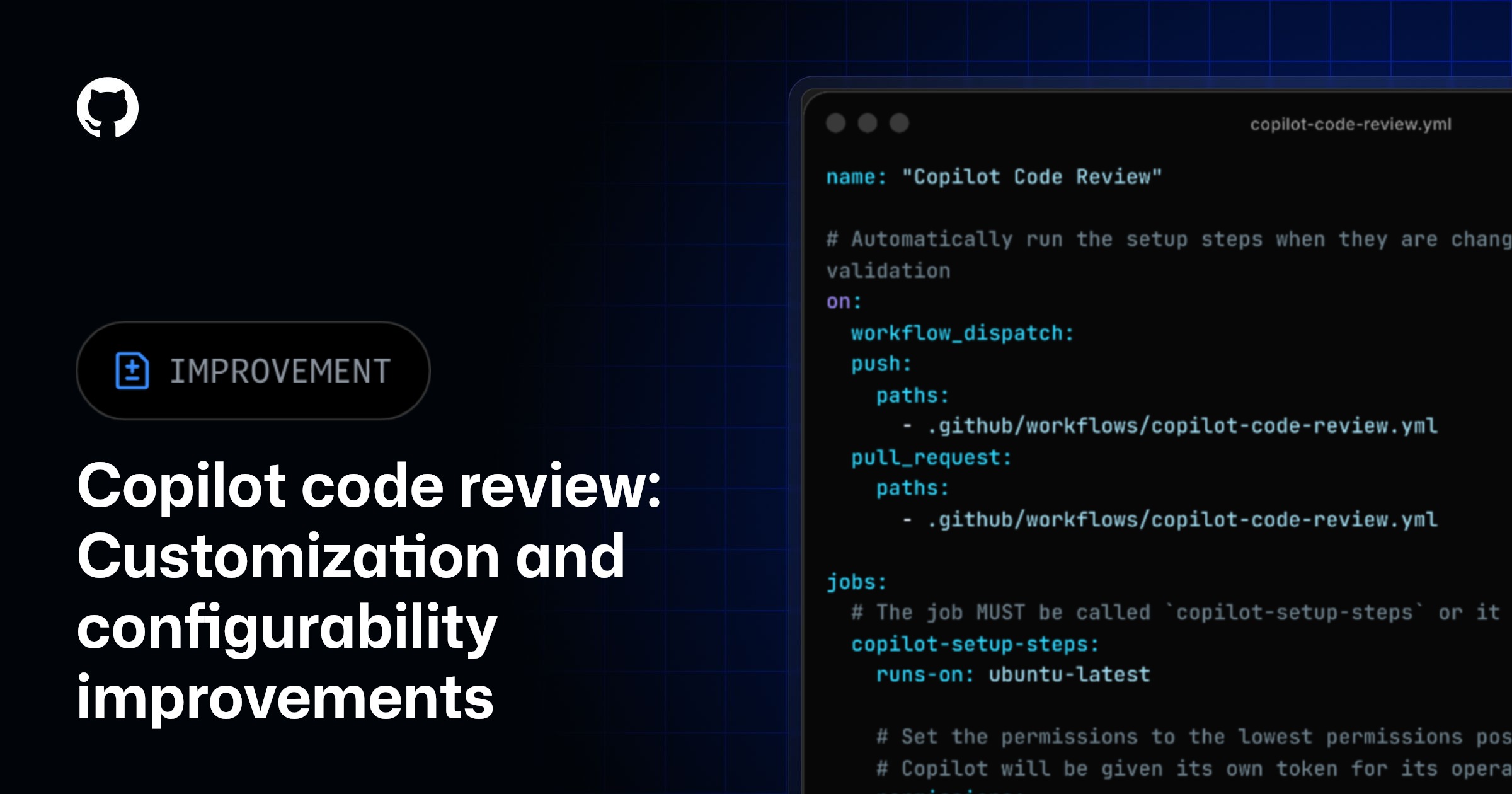
Copilot code review: New configurations and controls
Quick Answer
GitHub Copilot code review now features organization-level runner controls, content exclusion support, and removed character limits on custom instructions, enhancing customization for repository management.
Quick Take
Admins can set default runners across all repositories and exclude specific files during reviews.
Key Points
- Admins can set a default runner for all repositories in an organization.
- Content exclusion settings prevent Copilot from using specified files during reviews.
- Character limits on custom instructions have been removed for greater flexibility.
- Configuration changes apply to both Copilot code review and Copilot cloud agent.
- Self-hosted runners can now be configured at the organization level.
📖 Reader Mode
~2 min readWith new organization runner controls, Copilot content exclusion support, and the removal of the character limit on repository custom instructions, Copilot code review is now easier to tailor to your needs within your repository and organization.
⚙️ Organization runner controls
With the release of Copilot code review’s agentic architecture, we announced that Copilot code review is powered by GitHub Actions. By default, Copilot code review runs on the standard GitHub-hosted runner, but teams can configure self-hosted or large runners for more control over the runner type. To support ease of setup of custom runners, Copilot code review’s runner type can now be configured at the organization-level, meaning that one configuration can apply to all repositories within the organization.
Organization admins can now:
- Set Copilot code review’s default runner to be automatically used across all repositories, without requiring each repository to be individually configured.
- Lock the runner setting so the organization default overrides any individual repository configurations.
To set this up, navigate to your organization, then go to Copilot -> Runner type -> Runner type configuration. Your configuration will apply to both Copilot code review and Copilot cloud agent if both are enabled.
🛡️ Content exclusion support
Copilot code review now respects repository, organization, and enterprise-level Copilot content exclusion settings, so you can prevent Copilot from utilizing specified files or directories during its review. Repository administrators can configure excluded paths in repository settings using path-based rules.
This gives you control over which repository content is available to Copilot code review, helping you align reviews with your team, organization, or enterprise’s boundaries, or prevent Copilot from utilizing context that isn’t relevant to the review.
For more information, check out our docs about configuring content exclusions for Copilot.
📝 Custom instructions character limits have been removed
Previously, Copilot code review would stop reading copilot-instructions.md and *.instructions.md files located under the .github directory once the file reached 4000 characters in size. That limit has now been removed, allowing additional customization and flexibility in your custom instructions.
Join the discussion within GitHub Community.
— Originally published at github.blog
Want this in your inbox every morning?
Daily brief at your local 8am — bilingual EN/中文, free.
More from GitHub Copilot Changelog
See more →
GitHub Copilot for JetBrains adds improved OpenTelemetry configuration and model management
The latest GitHub Copilot for JetBrains update enhances workflow control with OpenTelemetry configuration, improved model management, and support for servers in Claude agent flows, facilitating better observability and cost control for enterprise users.